3D Capture & Reconstruction
2023 · 5 tools
Drone photos to a 3D scene
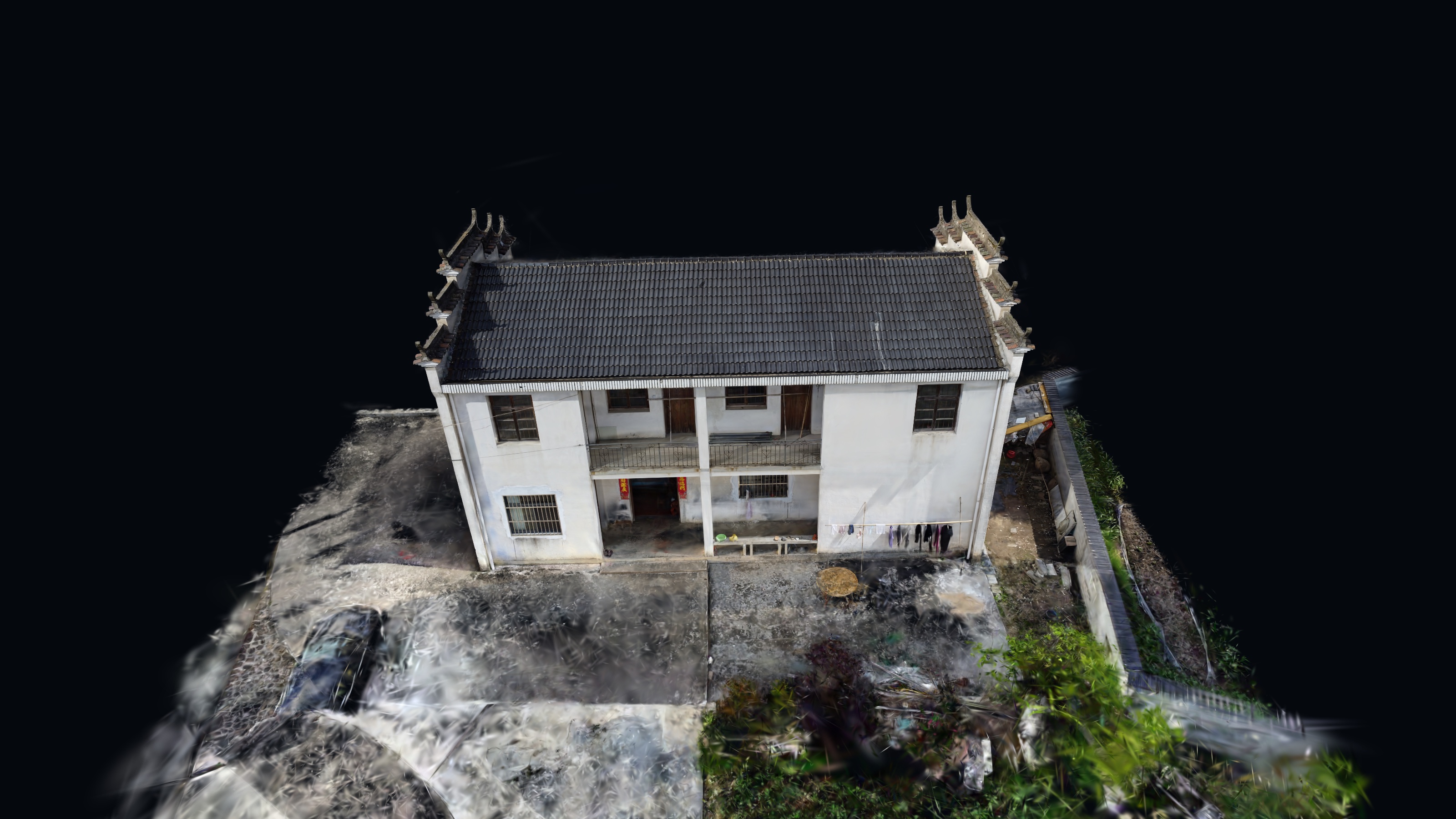
I flew a cheap drone over a village and tried to turn the photos into something I could explore in a browser. No ground control, no client — I just wanted to see if it would work.
scroll ↓
01 / the problem
I wanted to know how much of this actually needs survey equipment, and how much is just patience.
- Hand-flown DJI Mini 2 SE — no flight plan and no ground control points
- No check points or scale bar, so nothing here can be trusted as a measurement
- Processed on a normal laptop, in evenings
- The result only had to be good enough to look at in a browser
02 / approach
How the experiment ran
Fly overlapping passes and hope for steady light
Throw away blurry and duplicate frames
Train the splat from what was left
Clean it up, shrink it, put it on a web viewer
03 / workflow
How it runs in the field
Flew a few orbits and passes around the village
Went through the frames by hand and kept the sharp ones
Ran the reconstruction from that frame set
Removed floaters and reduced the file size
Embedded the splat in a viewer and tried walking around it
04 / implementation
What I actually did
Capture
Hand-flown DJI Mini 2 SE, overlapping passes, no flight planning app and no ground markers. Overlap was judged by eye.
Frame picking
Deleted motion-blurred, duplicated and badly exposed frames before processing. This took longer than the reconstruction.
Reconstruction
Sparse camera poses first, then Gaussian Splatting on the kept frames. No scale constraints anywhere in the chain.
Getting it online
Cleaned up stray floaters, cut the file size down, and loaded it into a viewer. Most of the fiddling happened here.
09 / interactive
Have a look around
Drag to orbit. Scroll to zoom.
This is a personal experiment, not a survey deliverable. No ground control, no scale reference, no accuracy check — good for looking at, not for measuring.